
Product Categories
Organize your buyback products into categories.
Setting up products — step 1 of 3. Start with categories, then Product Attributes, then Create Products. In Dual and Net modes you can designate some of these categories as trade-in devices — see Trade-In Catalog.
Product Categories#
Navigate to Products → Categories to organize your buyback products.
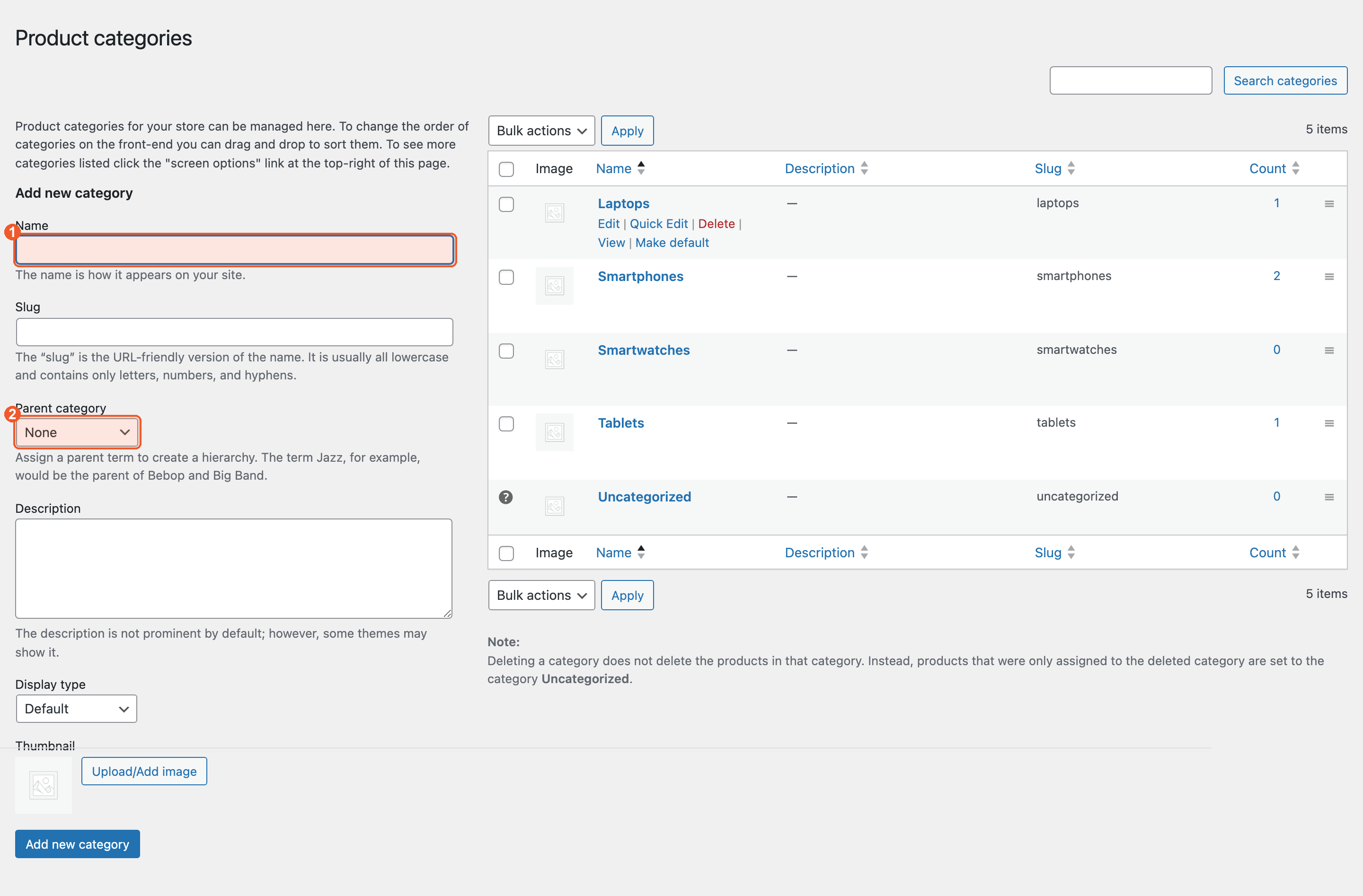
Setting Up Categories#
For an electronics buyback store, you might create categories like:
- Phones — Apple, Samsung, Google
- Tablets — iPad, Galaxy Tab
- Laptops — MacBook, Dell, HP
Type the name into Name (1) and click Add new category. To nest one category inside another, pick its parent under Parent category (2).
Categories help organize your storefront. Customers browse categories to find the product they want to sell to you.