
Create Products
Create variable products with buyback pricing.
Setting up products — step 3 of 3. The final step — make sure your categories and attributes are set up first.
Creating a Buyback Product#
Navigate to Products → Add New to create a buyback product.

Setting Up a Variable Product#
Enter the product name (1) — for example "Nova Phone 15 Pro" — and pick a category in the sidebar.
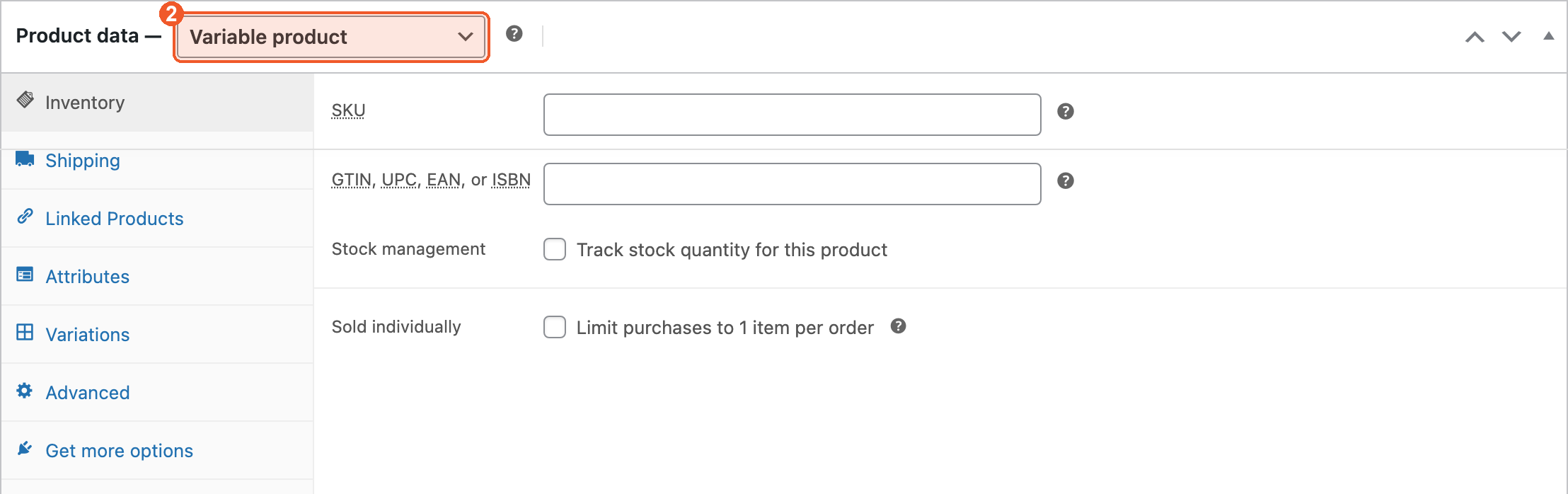
Set product type to Variable product (2) in the Product data dropdown.
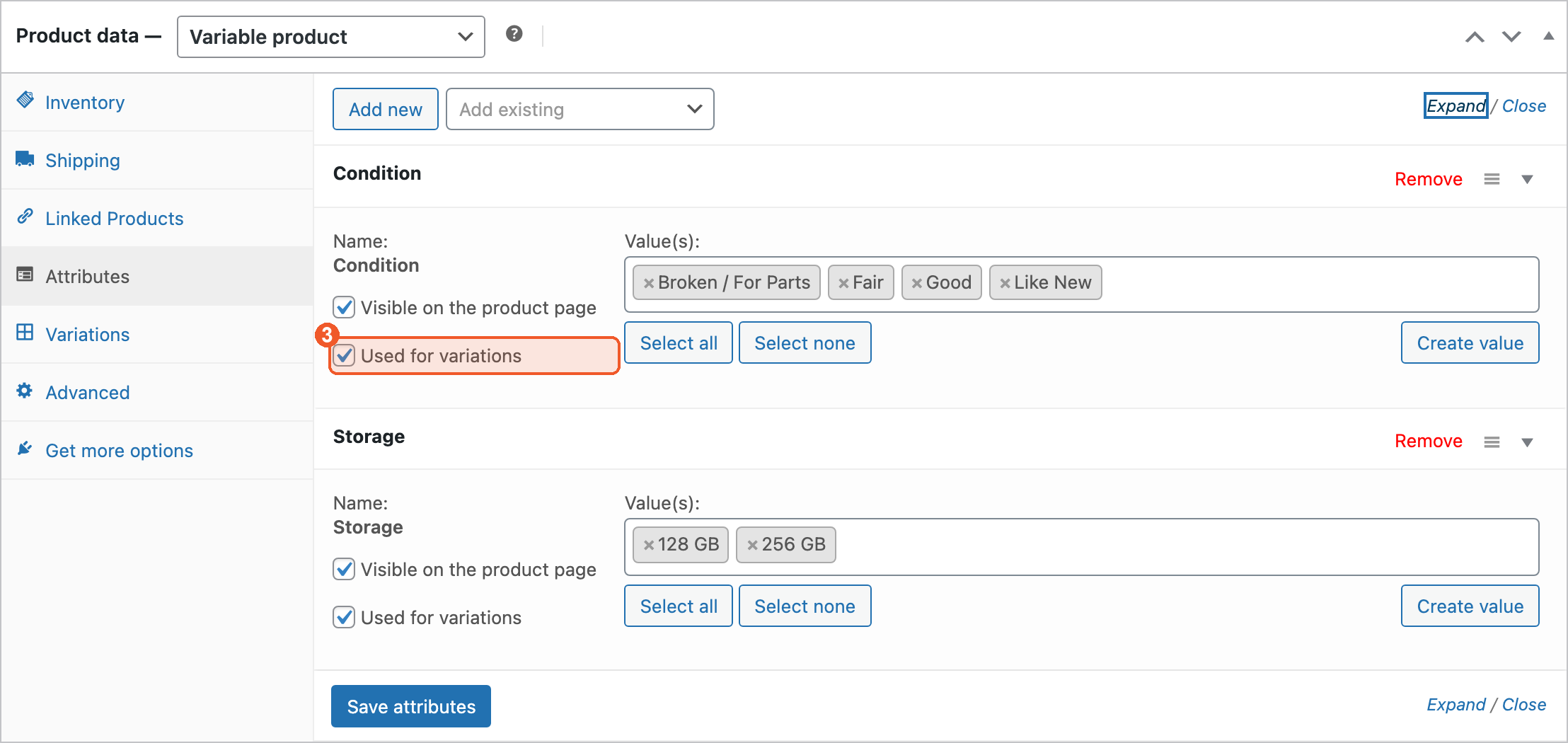
Go to the Attributes tab, add each attribute, and check Used for variations (3) on every one you want to price separately.
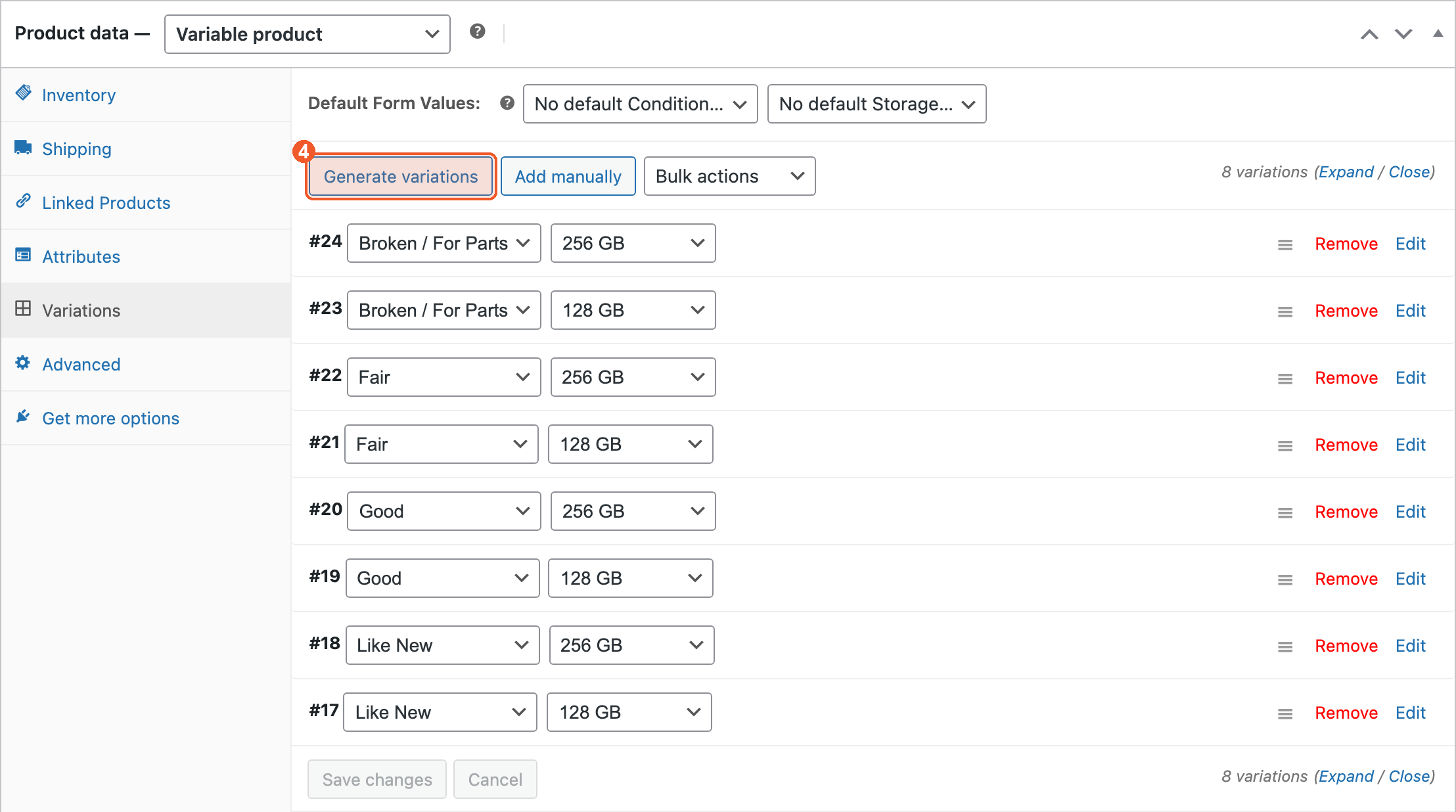
Go to the Variations tab and click Generate variations (4) to create every combination — here, four conditions × two storage sizes = eight variations.
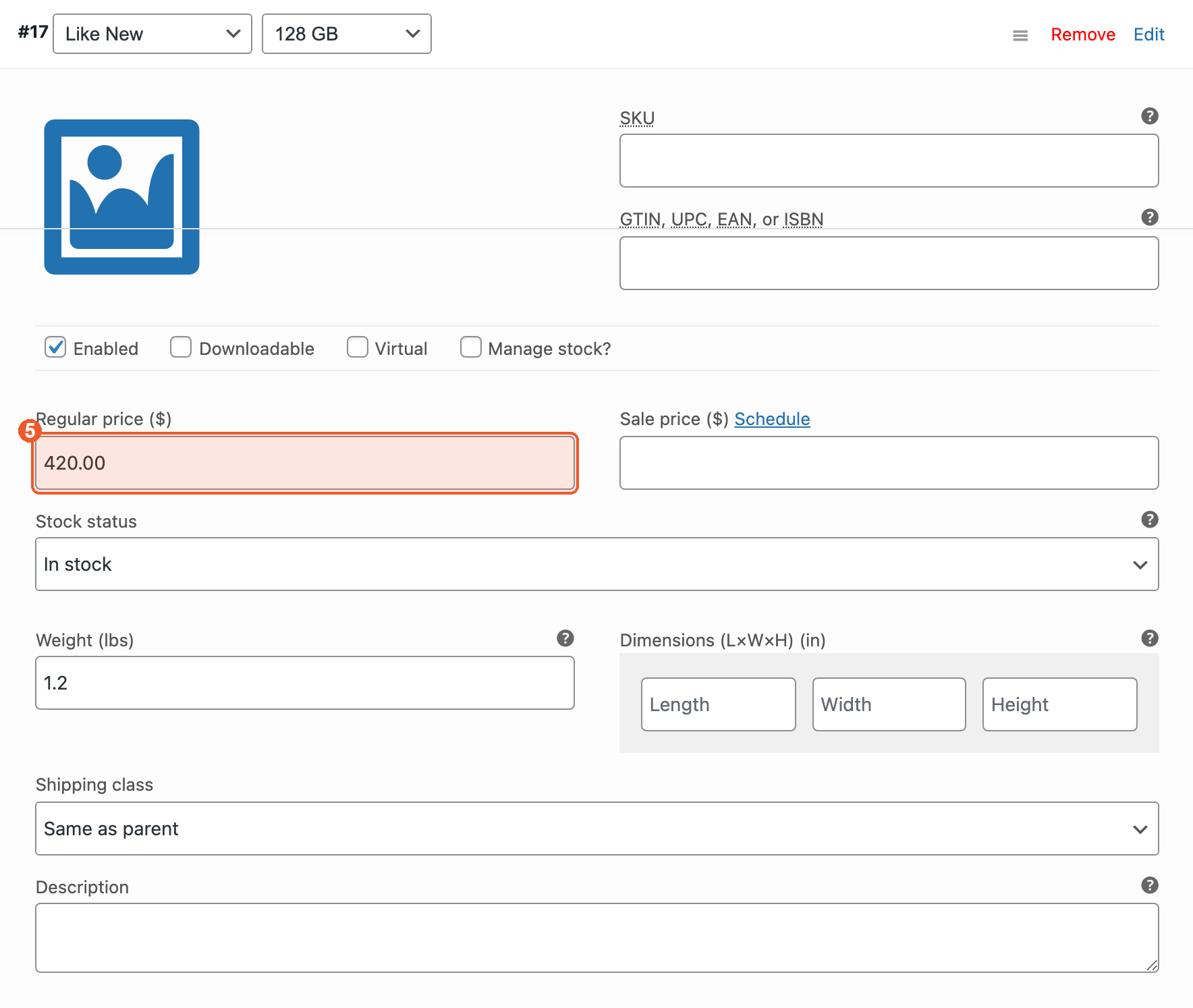
Expand a variation and set its Regular price (5) — this is the amount you pay the customer for that exact combination.
Product Images#
Add a product image and gallery images in the sidebar of the product screen, so customers can confirm they picked the right device.
Product Weight#
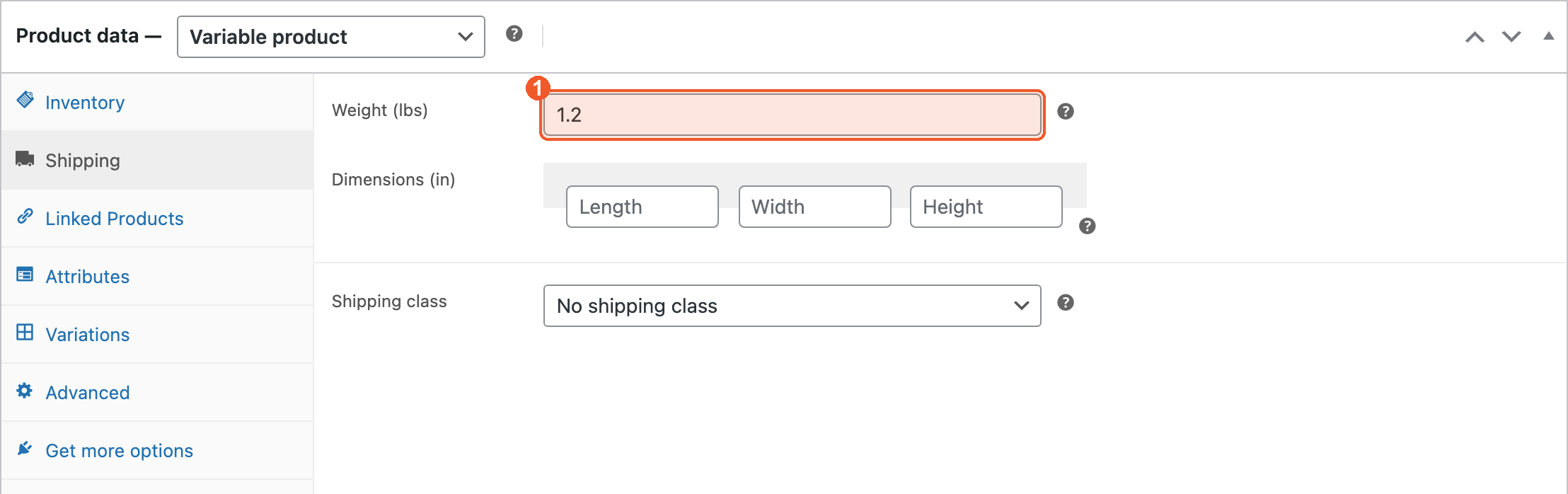
Set the product weight in the Shipping tab (1). EasyPost uses it to rate and buy the prepaid label, so an empty weight means a wrong rate.
Publishing#
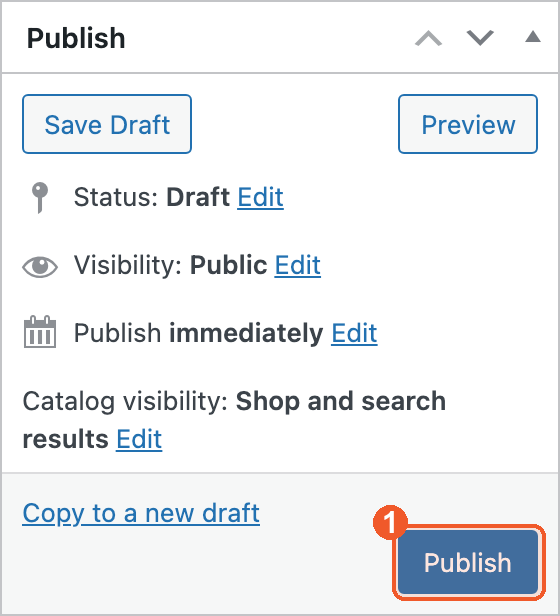
Once configured, click Publish (1). The product appears on your storefront for customers to sell to you.
Important: The Regular Price is the buyback amount you pay the customer for that specific condition/carrier combination.